Turn Your Projector Into a Smart TV: A Simple Guide
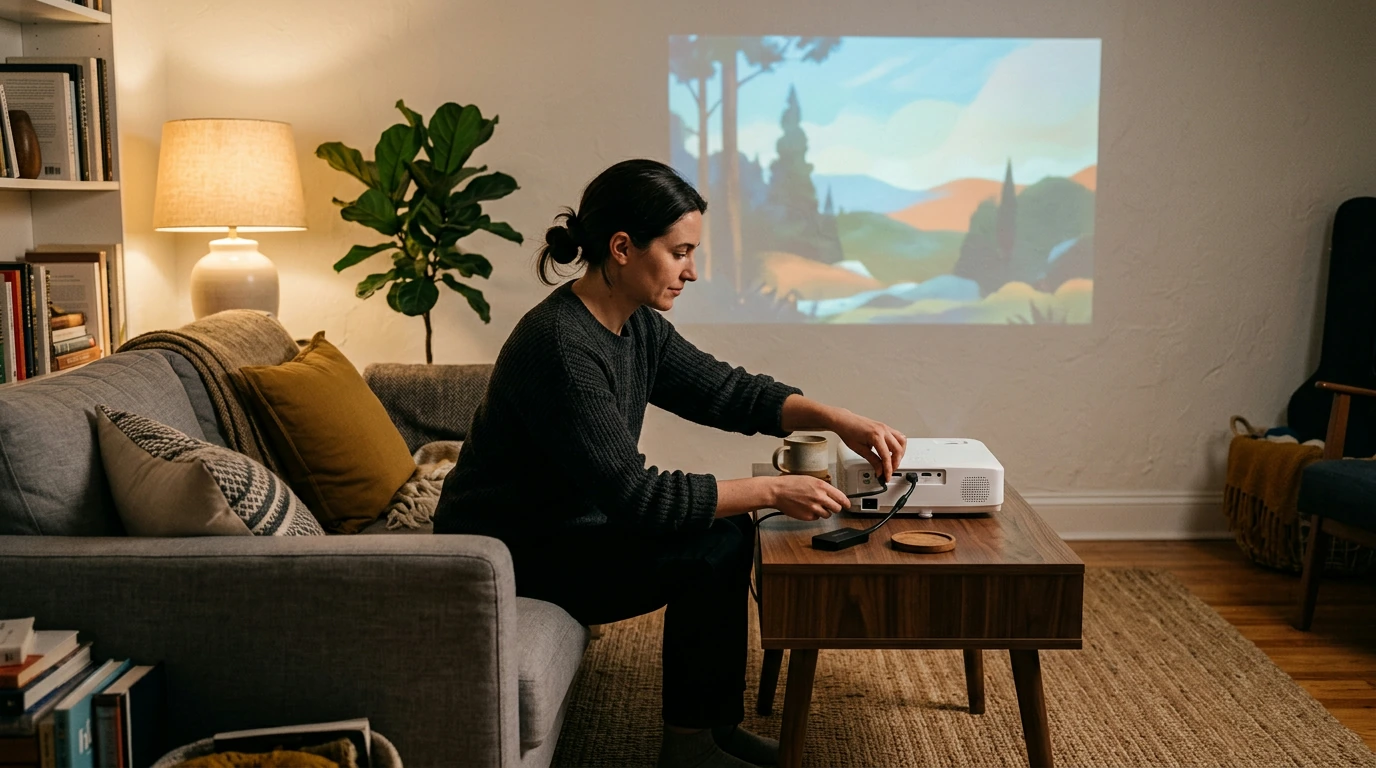
The simplest way is to plug a streaming device into your projector’s HDMI port. A streaming stick or box gives you access to apps through its own interface, so the projector does not need built-in smart features. Before buying one, check that your projector has an HDMI input and that you have a reliable Wi-Fi connection where you plan to use it.
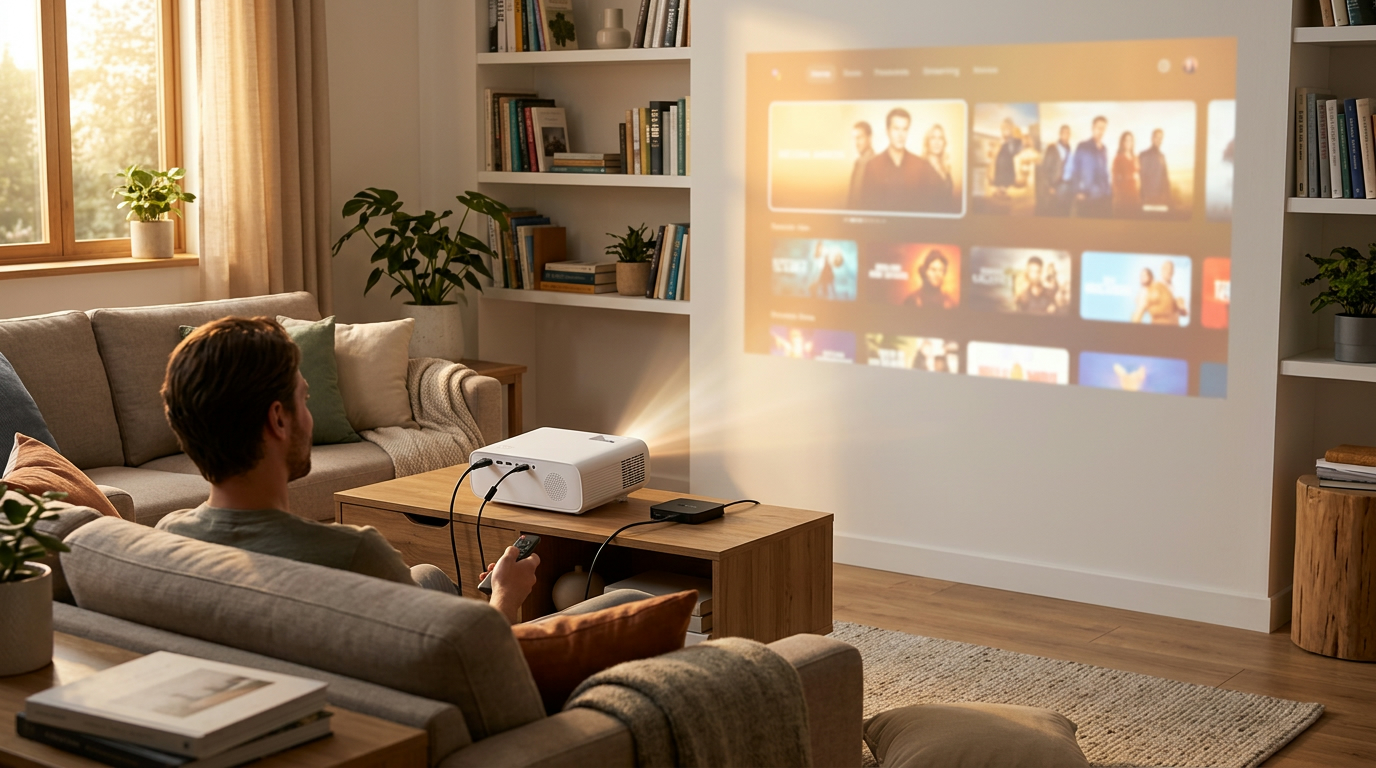
Pick a device that supports the services you watch and an output resolution your projector can display. Connect it to HDMI, then use its remote to join your Wi-Fi network and sign in to your apps. Some streaming sticks need a separate power adapter; a projector’s USB port may not provide enough power for stable operation.
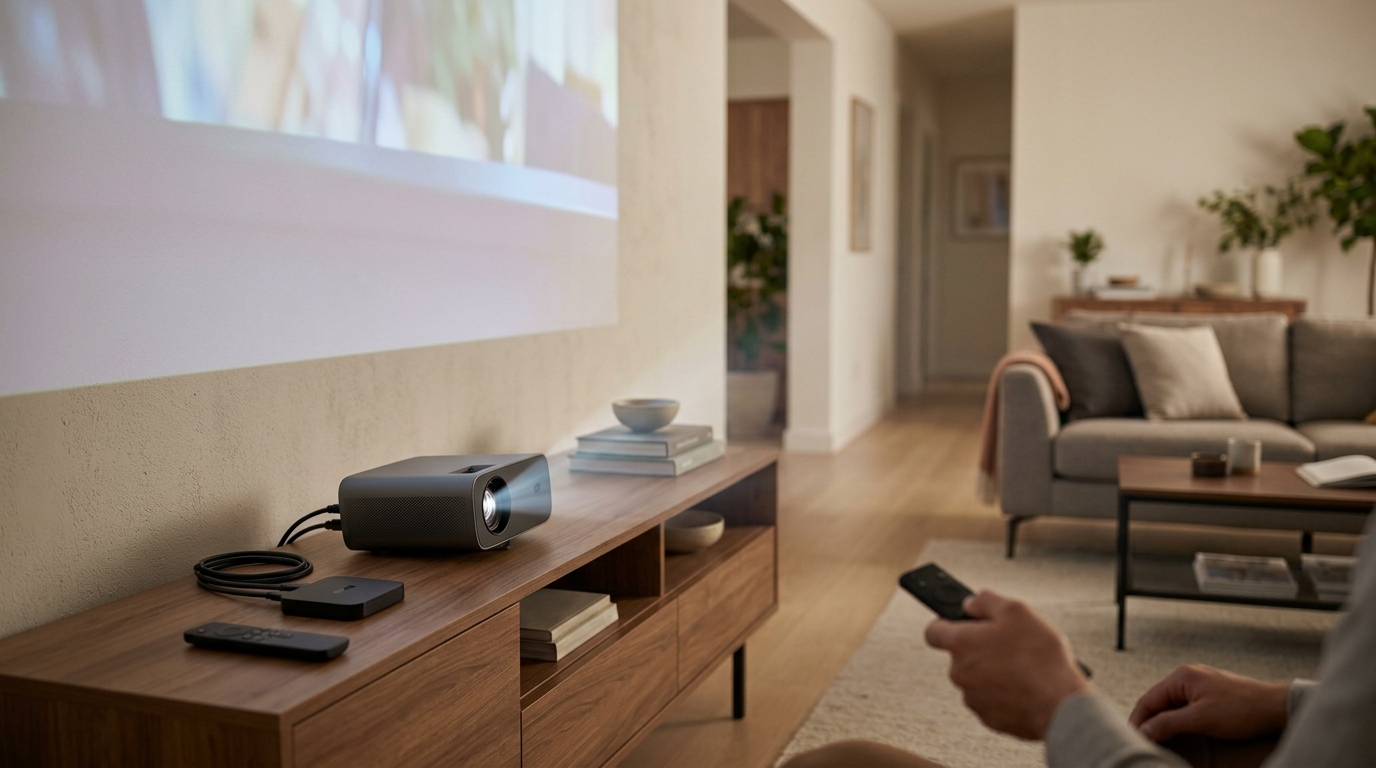
Featured in this guide
4K Smart Mini Projector with 3D, Android OS, WiFi & Built-in Battery
A projector’s built-in speaker may be adequate for casual viewing, but an external speaker or soundbar can make dialogue easier to hear. Check whether your projector has an audio output, Bluetooth audio support, or HDMI ARC before choosing a sound setup. If you connect a speaker by Bluetooth, test a video to make sure the audio and picture stay in sync.
Streaming apps can provide live channels, but you can also connect a cable box, satellite receiver, or over-the-air TV tuner to an HDMI input. An antenna alone will not work unless a tuner converts its signal into something the projector can display. If you want to switch between several devices, check the projector’s number of HDMI ports or use a compatible HDMI switch.
If you have not purchased a projector yet, a smart model may reduce the number of devices and cables you need. Compare its available apps, Wi-Fi support, brightness, and battery options rather than relying on the “smart” label alone. For an example of features to evaluate, see this guide to a 4K smart mini projector.
Connect a streaming stick or box to the projector’s HDMI port and set it up on Wi-Fi. You can then open supported streaming apps with the device’s remote.
Yes, a projector can serve as your main screen for streaming and connected TV sources. It still needs a streaming device or built-in smart platform to run apps.



Leave a comment
You must be logged in to post a comment.