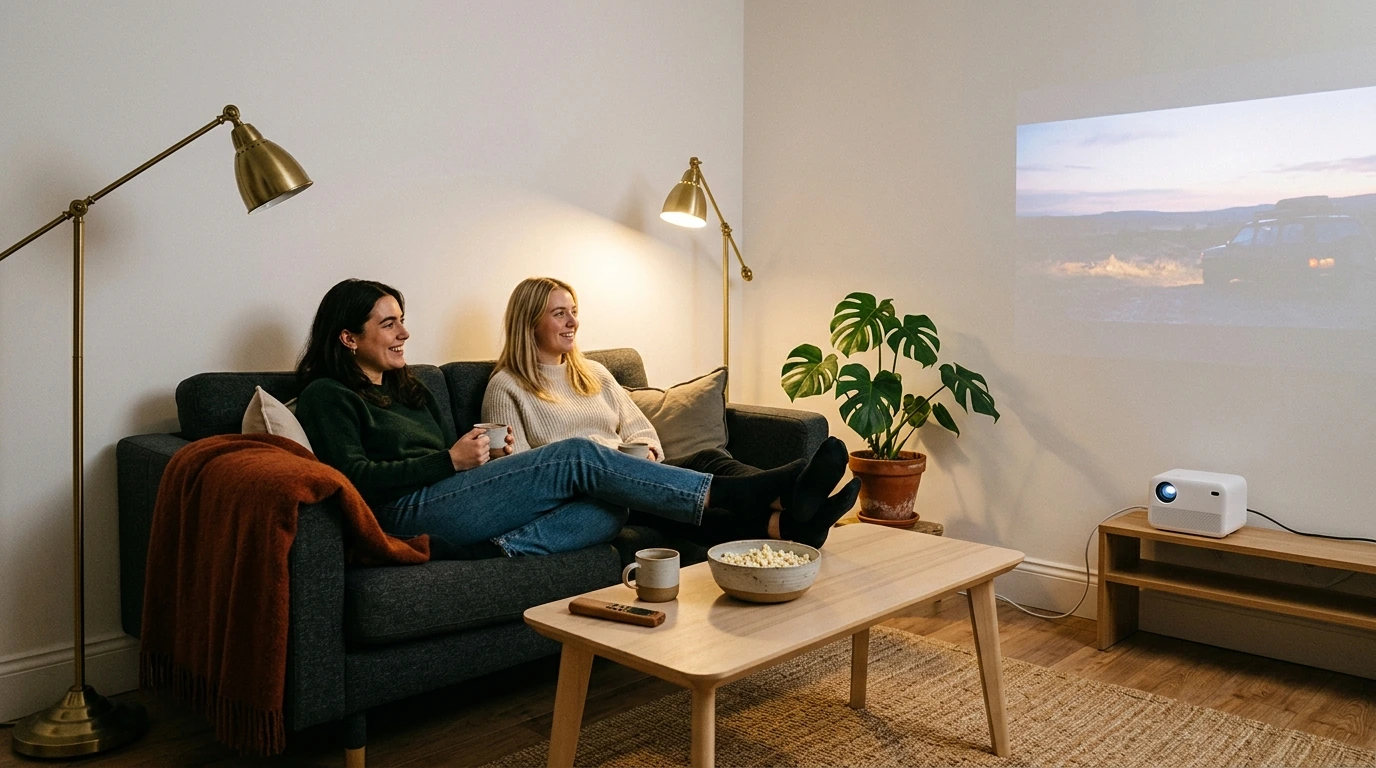
4K Smart Mini Projector: A More Flexible Big-Screen Setup
This mini projector is designed for viewers who want a cinema-style image without dedicating an entire room to home theater equipment. Its Android operating system can provide direct access to compatible apps and local media, reducing the need to connect a computer or streaming player for every session.
Integrated WiFi supports online access, software updates, and compatible casting or screen-mirroring workflows. Performance depends on router range, network congestion, the source device, and the application being used. App availability and playback quality may also vary according to the installed Android version, regional restrictions, certification, and future updates.
Feature Overview
| Feature | Practical Benefit | What to Confirm |
|---|---|---|
| 4K capability | Supports high-resolution entertainment workflows | Native resolution and supported input resolution |
| 3D support | Provides an immersive option for compatible media | Supported formats, sources, and glasses |
| Android OS | Offers smart controls and compatible apps | Android version, certification, and app availability |
| Built-in battery | Allows temporary viewing away from outlets | Runtime at preferred brightness and volume |
| Mini form factor | Makes room-to-room transport easier | Stable placement and ventilation requirements |
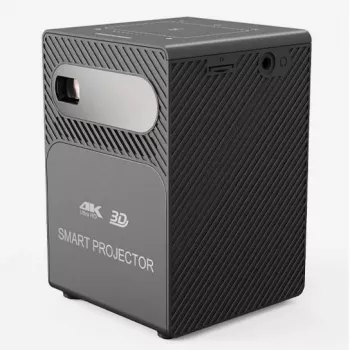
A projector described as 4K may use a native 4K imaging system, or it may accept a 4K signal and display it at another native resolution. Before purchasing, confirm the listed native resolution, supported input resolution, measured brightness, contrast and recommended image size.
Room conditions have an immediate effect on perceived quality. A dark or carefully dimmed space generally reveals more contrast and detail than a bright living room. A smooth, neutral wall can serve casual viewing, while a dedicated screen may deliver more consistent color and brightness.
Featured in this guide
4K Smart Mini Projector with 3D, Android OS, WiFi & Built-in Battery
The Android interface can provide access to compatible apps and local media without requiring a computer for every session. App availability may vary by Android version, region, certification and future software updates.
Streaming services can also require specific digital rights management or device certification. If a native app is unavailable or restricted, a compatible certified streaming player connected to an available input may be a more dependable option. Protected video can remain blocked during screen mirroring even when menus and photos display normally.
Built-in speakers are convenient for casual sessions. For fuller sound, confirm that the projector supports the output or Bluetooth profile required by your preferred external audio equipment.
For wireless use, activate the projector’s casting or wireless-display mode and place both devices on the same WiFi network. Open Cast, Smart View, AirPlay or the relevant screen-mirroring menu on the phone, select the projector and approve the connection.
If the projector does not appear, restart both devices, review network permissions and check whether guest-network isolation is preventing communication. Procedures can vary by phone manufacturer and operating system.
A compatible wired video adapter may offer a steadier alternative. The phone must support video output, and the adapter must match both the phone connector and the projector input. Subscription services may still apply copy-protection restrictions.
A general 3D specification does not guarantee support for every disc, file or accessory. Verify compatibility among the movie format, playback source, projector and glasses before planning a 3D session.
| Element | What to confirm |
|---|---|
| Media | The projector supports the specific 3D format. |
| Source | The player or connected device can output that format. |
| Glasses | The required glasses type is compatible. |
| Connection | The selected input supports the intended signal. |
Check the listed dimensions for 3d viewing requires a complete compatibility chain against the available vehicle space before use.
The built-in battery supports temporary use where an outlet is inconvenient, including room-to-room viewing, presentations and suitable outdoor setups. Actual runtime varies with brightness, speaker volume, WiFi activity, temperature and battery age.
This model may appeal to apartment residents, travelers, families and movie fans who prefer portability over a fixed installation. Its appeal lies in consolidating smart controls, wireless access, 3D support and battery-powered flexibility.
Before ordering, compare those conveniences with the details that shape everyday use: native resolution, brightness, runtime, app certification, ports, supported audio, included accessories and warranty terms.
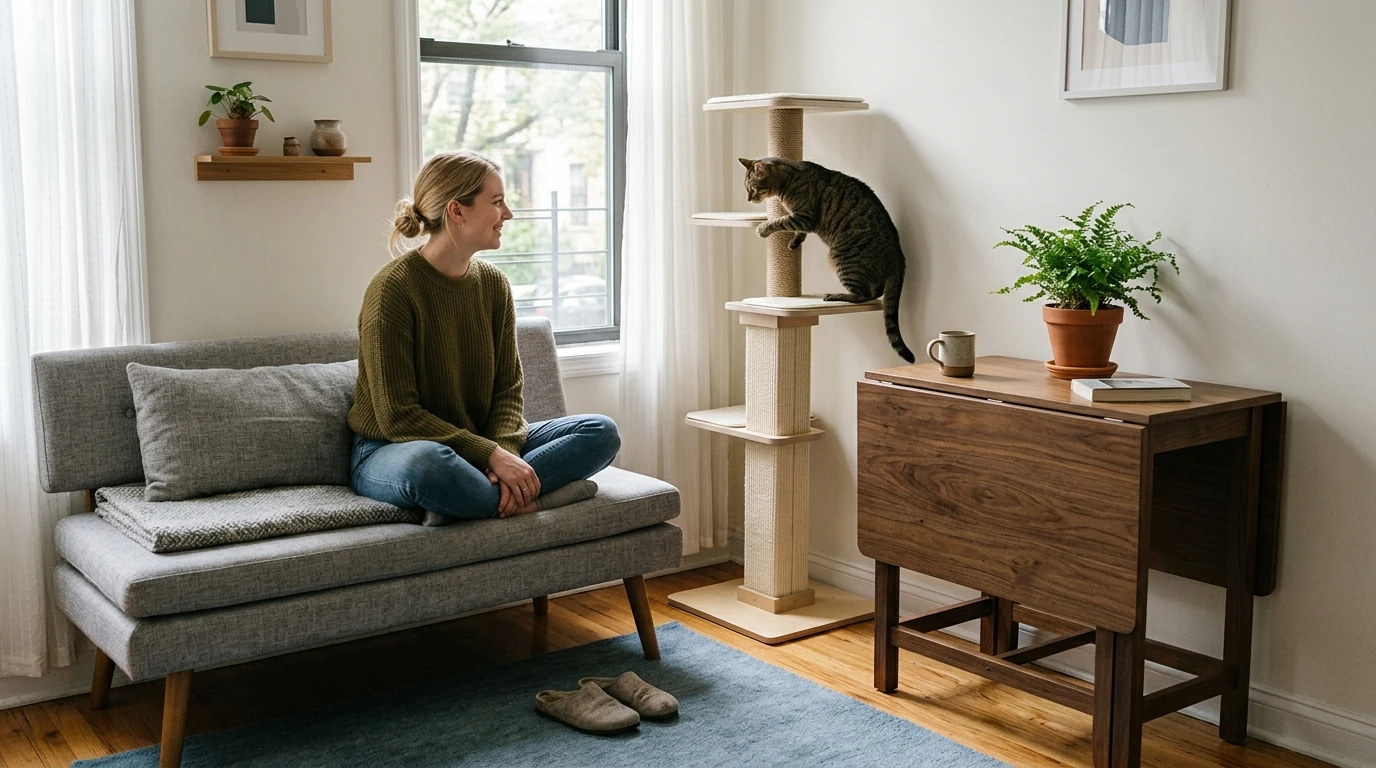
Compare related options such as 68-Inch Multi-Level Cat Tree Tower for Large Cats with Scratching Posts & Plush Perches to match features, dimensions, and use case before choosing.
Connect both devices to the same WiFi network, activate the projector’s casting mode, and select it from the phone’s Cast, Smart View, AirPlay, or screen-mirroring menu. A compatible wired video adapter can be used when wireless connectivity is unavailable.
It can be worthwhile if you value a portable large image, integrated apps, and fewer external devices. Compare native resolution, measured brightness, battery runtime, streaming certification, and available connections before deciding.
Netflix may not play if the projector lacks the necessary app certification or digital rights management support. Mirroring may also be blocked, making a supported native app or certified external streaming device the better option.

Leave a comment
You must be logged in to post a comment.