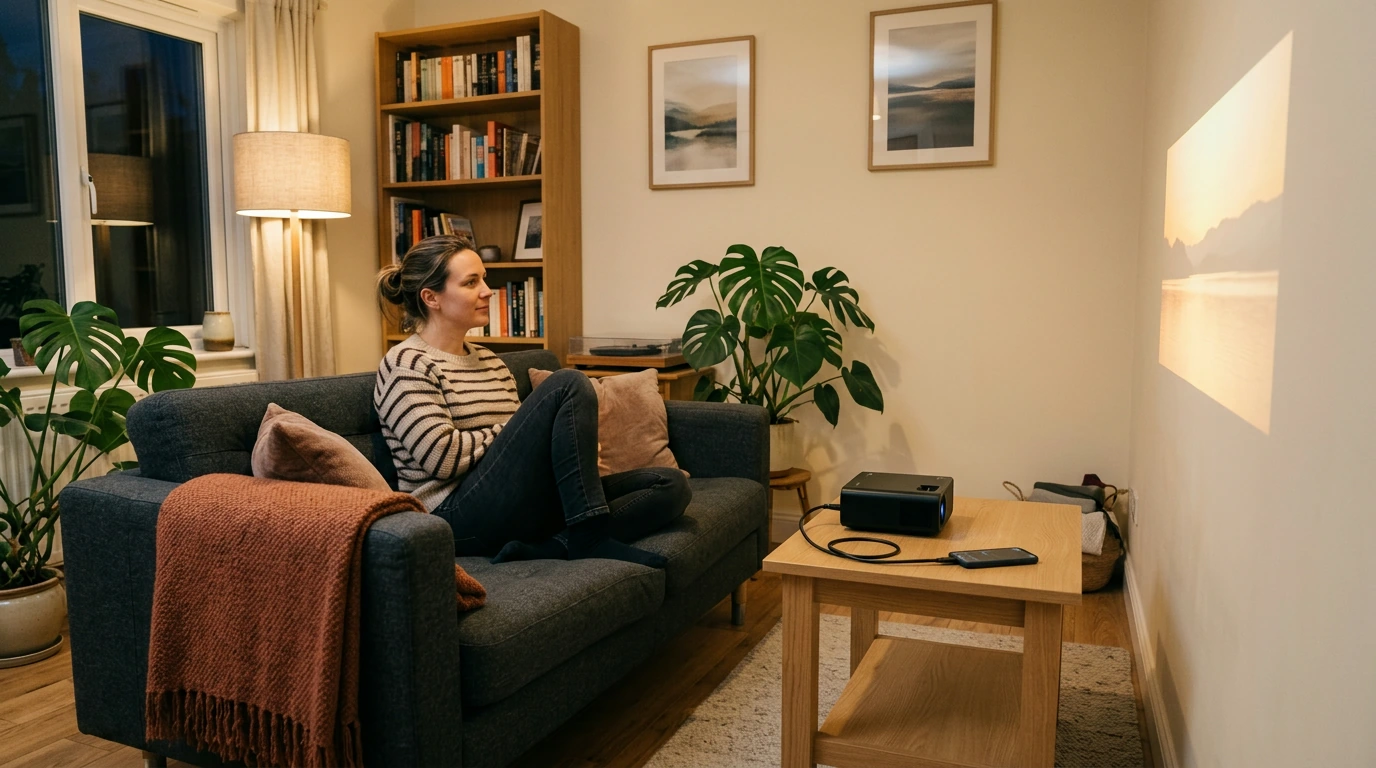
Can I Plug My Phone Into a Projector? HDMI & Wireless
Yes, if the projector has an input your phone can use. A wired connection is often the simplest choice for a movie or presentation because it does not depend on Wi-Fi. Before buying an adapter, check the ports on both devices and confirm that your phone supports video output through its charging port.
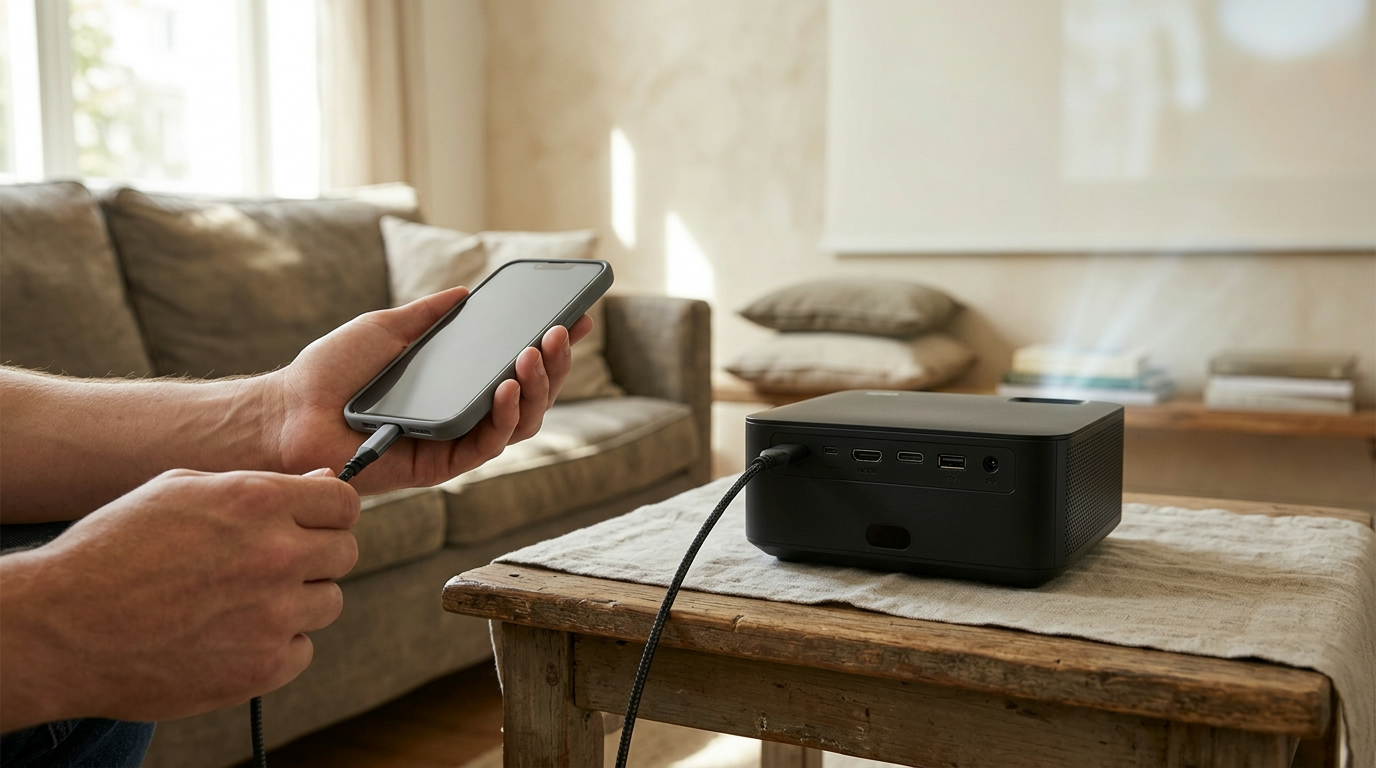
Many projectors have an HDMI input, while phones typically have USB-C or Lightning. Some USB-C phones can send video through a USB-C-to-HDMI adapter, but not every USB-C port supports that feature. For an iPhone with a Lightning port, use a compatible Lightning-to-HDMI adapter. You may also need a separate HDMI cable to reach the projector.
Featured in this guide
4K Smart Mini Projector with 3D, Android OS, WiFi & Built-in Battery
Some smart projectors support wireless screen mirroring, letting you display your phone without an adapter. Check whether the projector’s mirroring method works with your phone’s operating system; a projector that supports one casting standard may not support another. Put both devices on the required Wi-Fi network, select the projector from your phone’s casting controls, and allow any connection prompt.
Start by selecting the correct HDMI or wireless input on the projector. If you are using a cable, reconnect each end and confirm that the adapter supports video rather than charging alone. A blank screen can also mean the phone does not support wired video output, so check its specifications before replacing the cable. If mirroring fails, restart both devices and verify their network settings.
Look beyond whether a projector is described as “phone compatible.” Compare its physical inputs, wireless features, and power options with the phone you actually own. Built-in apps can also be useful when you would rather stream directly from the projector. For a closer look at these features, read the guide to a 4K smart mini projector with Android, Wi-Fi, 3D, and battery features.
Connect your phone to a projector by a compatible cable or supported wireless mirroring method, then aim the projector at a flat, light-colored wall. Adjust its distance, focus, and image alignment until the picture is clear.
Yes, provided the projector has a connection method your phone supports. Check your phone’s video-output capability for a wired setup, or confirm that both devices support the same wireless mirroring method.


Leave a comment
You must be logged in to post a comment.