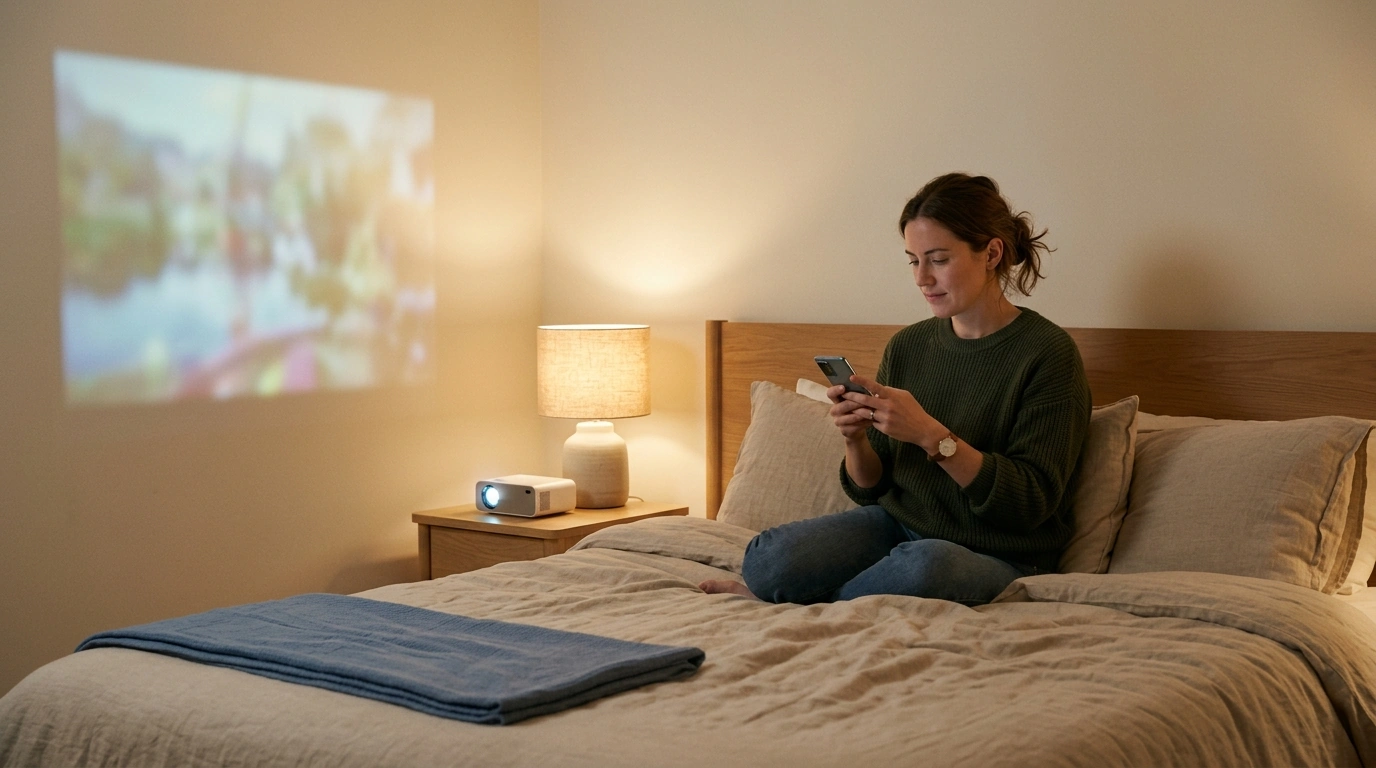
Can My Android Phone Be Used as a Projector?
A projector creates the light and focused image that your phone’s screen cannot produce on its own, so apps that claim to turn a phone flashlight into a projector will not give you a practical wall-sized display. Your phone can instead act as the source for movies, photos, presentations, or other content, while the projector handles the image.
Check the product’s listed specifications when evaluating what you need to project from an android phone.
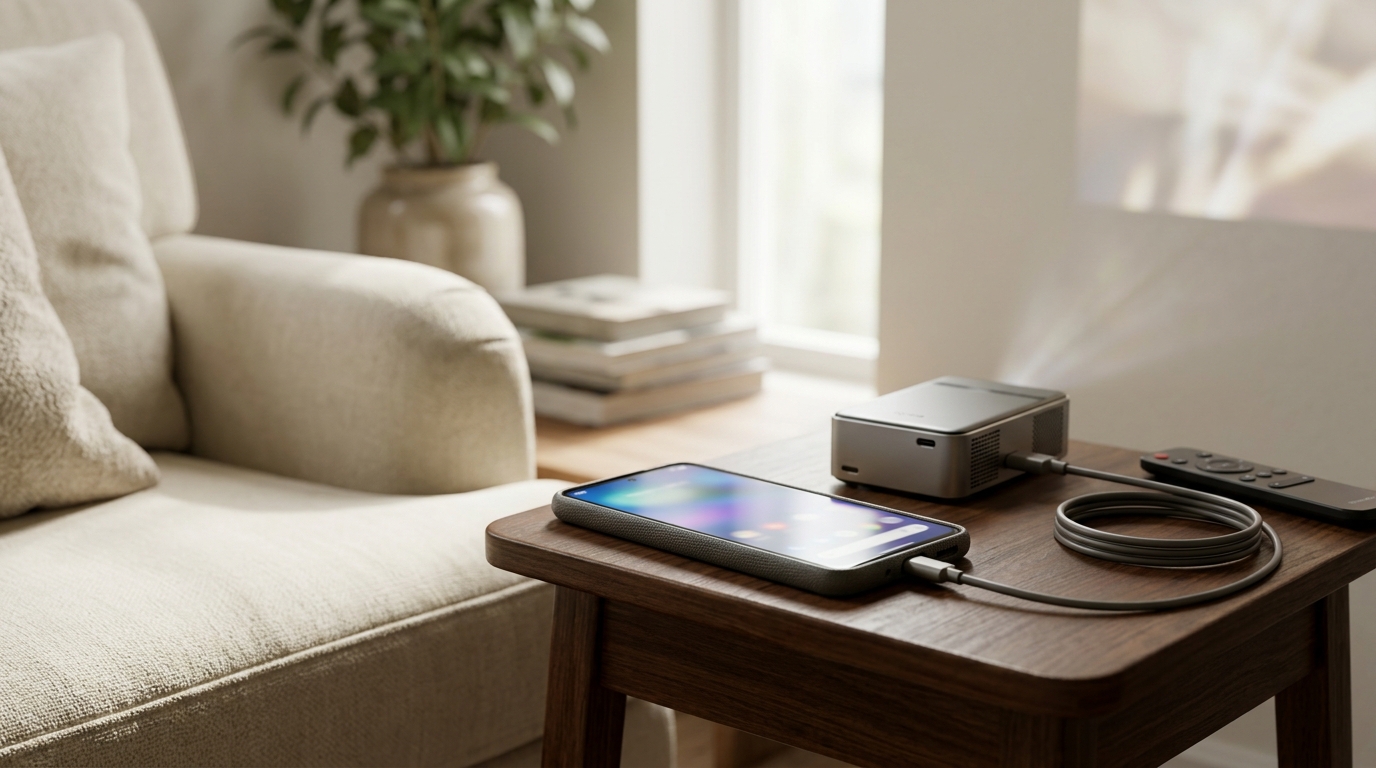
Wireless screen casting can be convenient when your phone and projector support compatible casting methods; open your phone’s Cast or Screen Mirroring controls, select the available display, and follow the on-screen prompts. A wired connection may be another option, but a USB-C-to-HDMI adapter works only if your particular phone supports video output through its port, so confirm that capability before buying an adapter.
Check the product’s listed specifications when evaluating choose a connection that works for your devices.
Featured in this guide
4K Smart Mini Projector with 3D, Android OS, WiFi & Built-in Battery
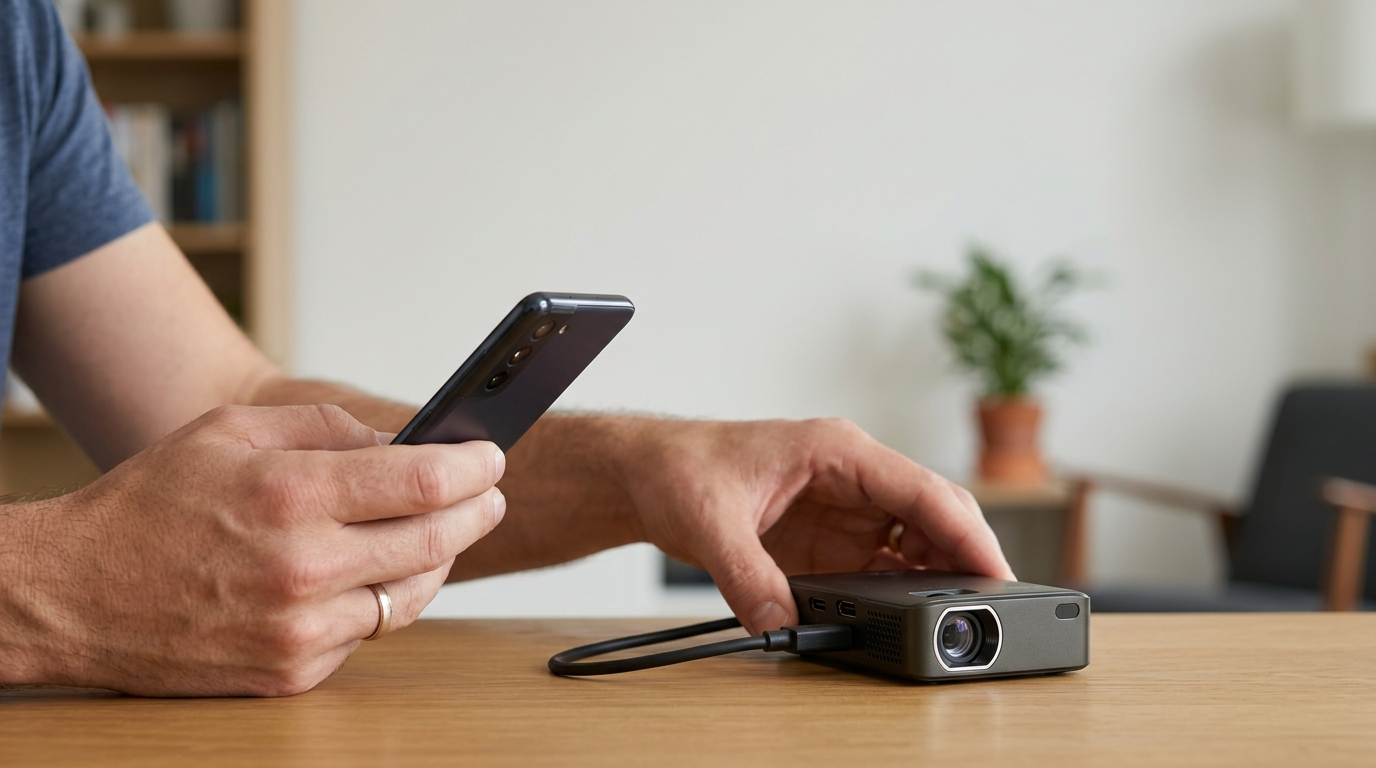
Our 4K Smart Mini Projector with 3D, Android OS, WiFi & Built-in Battery is a separate projector, not a feature that turns your phone itself into one. If you want to use your Android phone as its video source, our team recommends choosing your connection based on the casting or input options available on both devices rather than assuming that Android OS or WiFi alone means your phone can mirror to it.
You cannot turn the phone alone into a conventional projector; you need projector hardware to put a usable image on a wall. Connect your phone to a compatible projector wirelessly or, if your phone supports video output, with an appropriate wired connection.




Leave a comment
You must be logged in to post a comment.