Can You Use a Mirror as a Projector Screen?
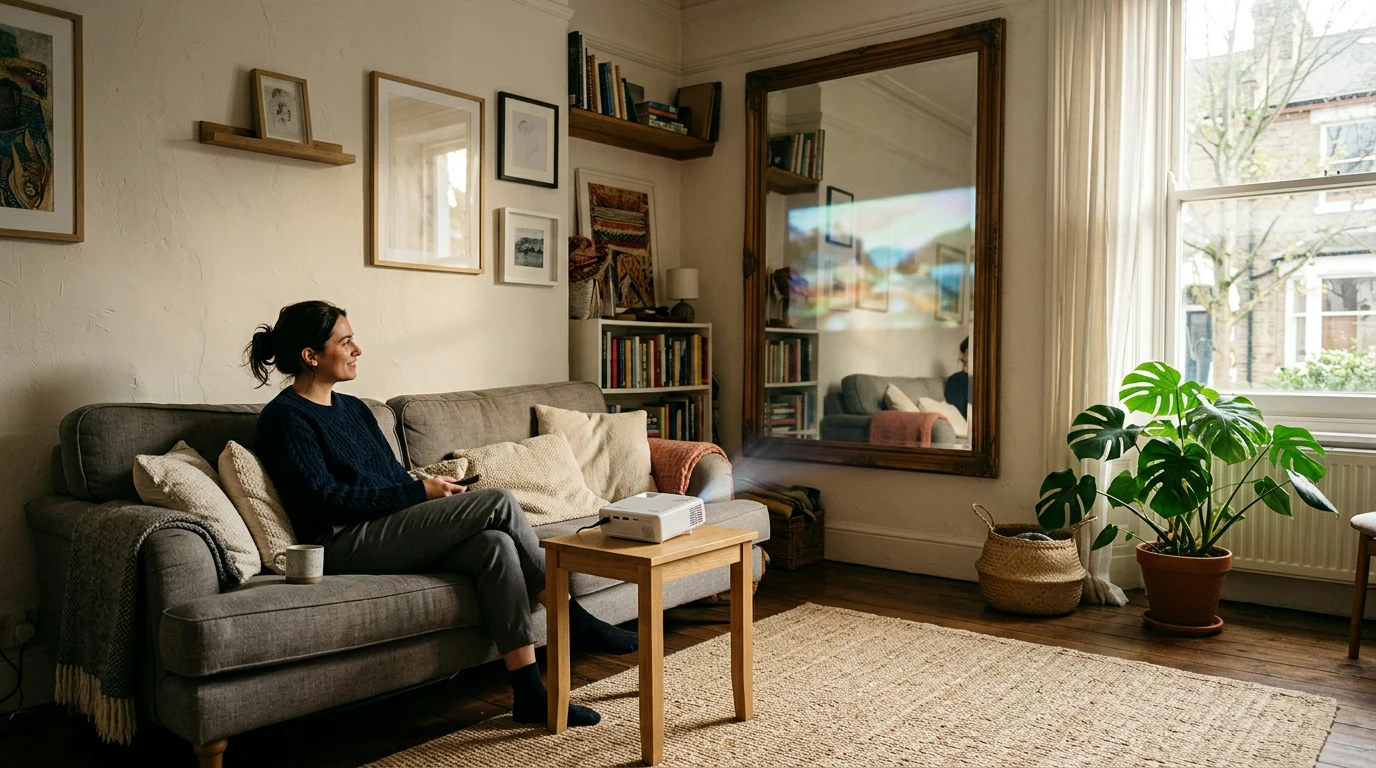
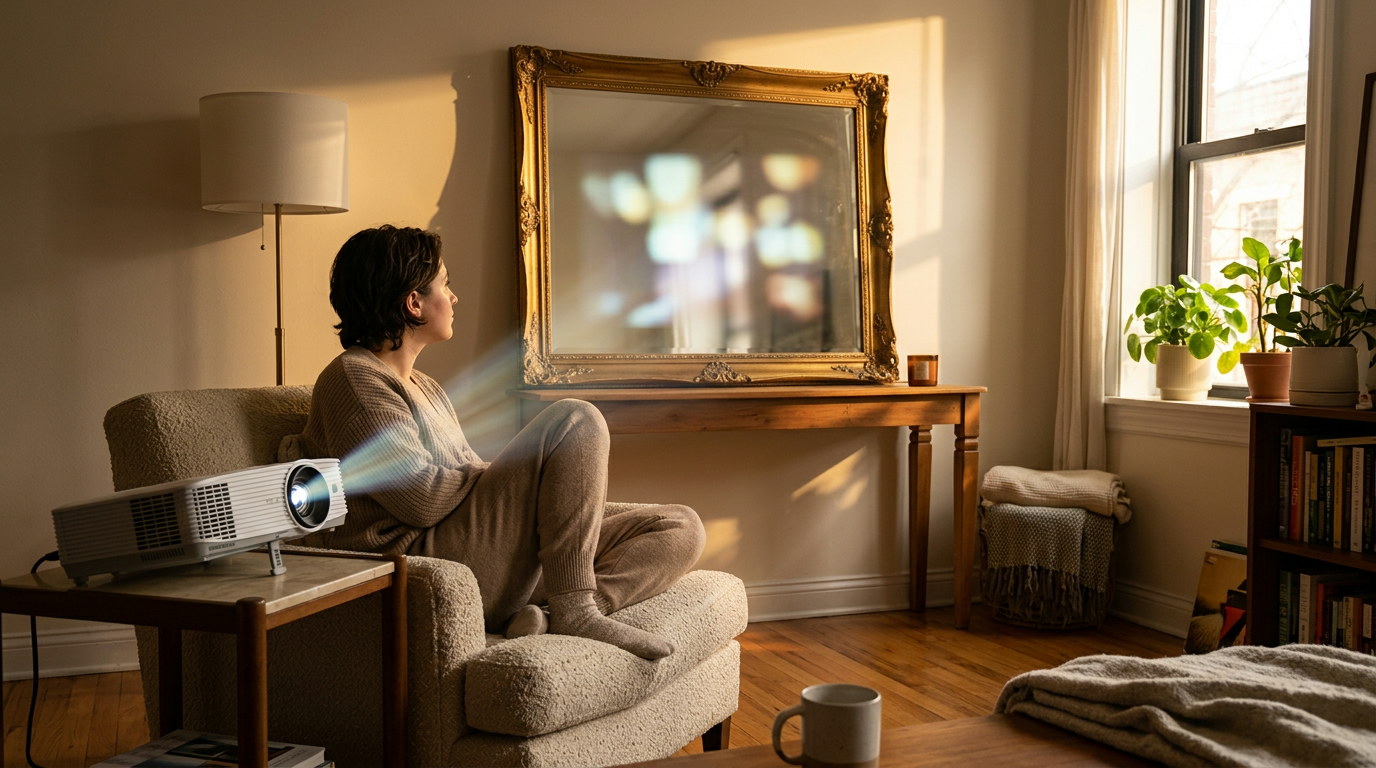
You can point a projector at a mirror, but we don’t recommend using one as your viewing screen: instead of scattering light toward viewers, its reflective surface sends a concentrated reflection in a particular direction. That often leaves you with a distracting bright spot, a hard-to-view image from other seats, and reflections of the room competing with what you’re trying to watch.
Check the product’s listed specifications when evaluating can a mirror work as a projector screen.
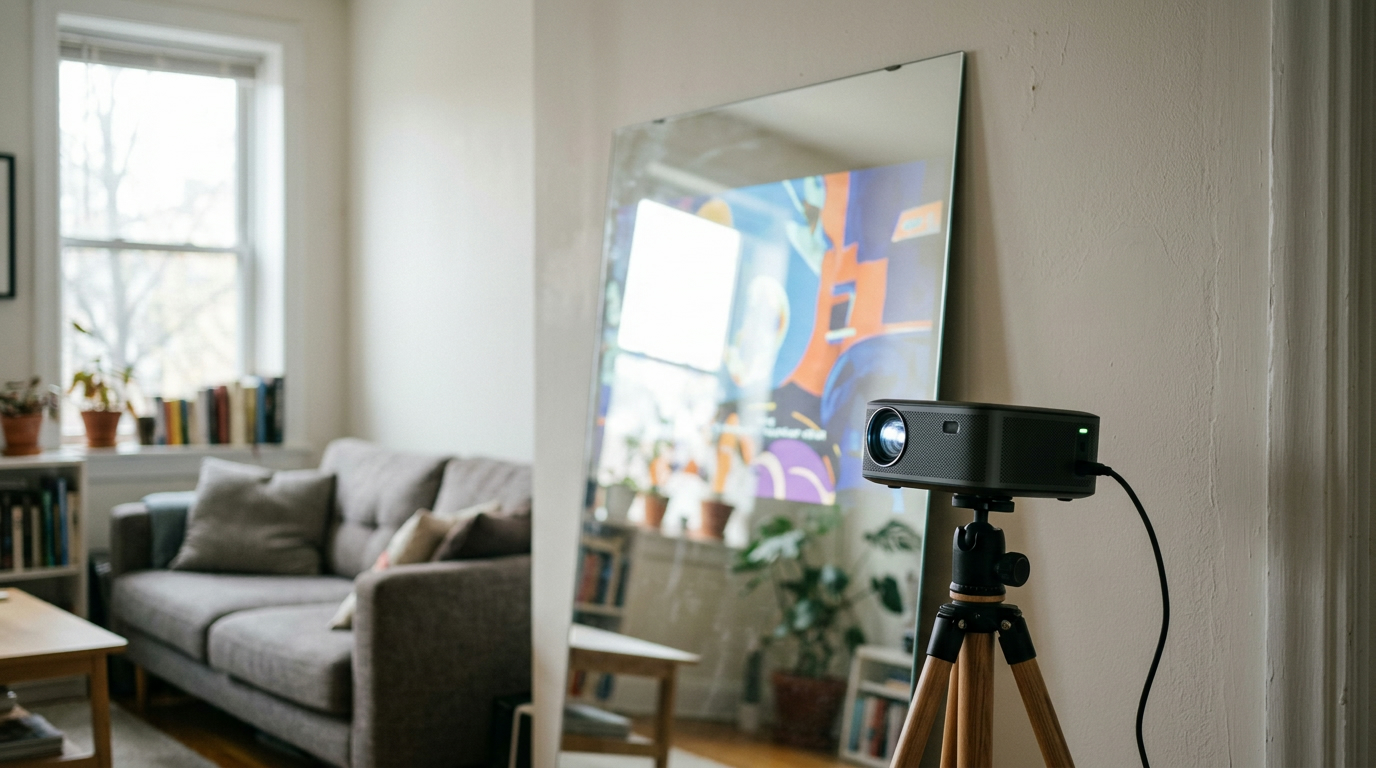
Where you see the reflected image depends heavily on the angle between the projector, mirror, and your seat, so moving even a little can change the result. A mirror also reverses the image, which can make text especially awkward to read; its glass surface may produce a faint second reflection as well.
Check the product’s listed specifications when evaluating what happens if you project onto a mirror.
Featured in this guide
4K Smart Mini Projector with 3D, Android OS, WiFi & Built-in Battery
For everyday viewing, our team recommends a projector screen or a smooth, matte, light-colored wall, because either provides a more practical surface for an image people can watch from multiple positions. A taut white sheet can serve as a temporary option, though folds and light passing through the fabric may make the picture look less even than it does on a screen or suitable wall.
Place the projector so its image lands squarely on a clean, flat surface, then adjust its position and focus while you sit where you’ll actually watch; reducing room light can also make the picture easier to see. If you’re setting up our 4K Smart Mini Projector with 3D, Android OS, WiFi & Built-in Battery, choose your viewing surface before settling on a projector position, and keep the beam out of people’s eyes rather than trying to redirect it with a mirror.
You can use a dedicated projector screen, a smooth matte light-colored wall, or a taut white sheet for a temporary setup. We’d avoid glossy paint, textured surfaces, and mirrors when you want an even image that’s comfortable to watch.



Leave a comment
You must be logged in to post a comment.