Watch TV on a Projector Wirelessly: 3 Ways
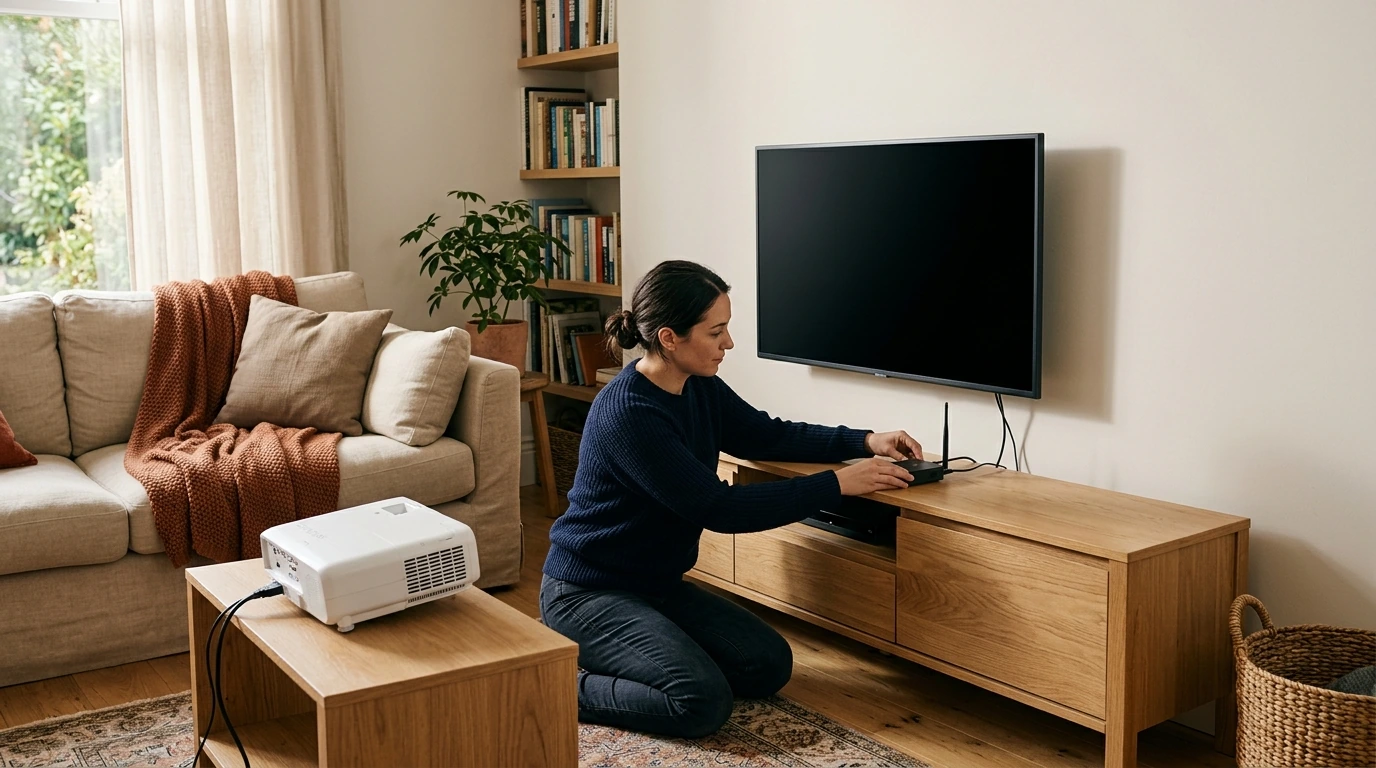
Usually, you don’t send video from the TV itself to the projector. Most TVs are built to receive video, not transmit their screen wirelessly. Instead, connect the projector to the device that supplies your TV picture, such as a streaming stick, cable box, or over-the-air tuner. The right method depends on which device you use and which wireless features your projector supports.
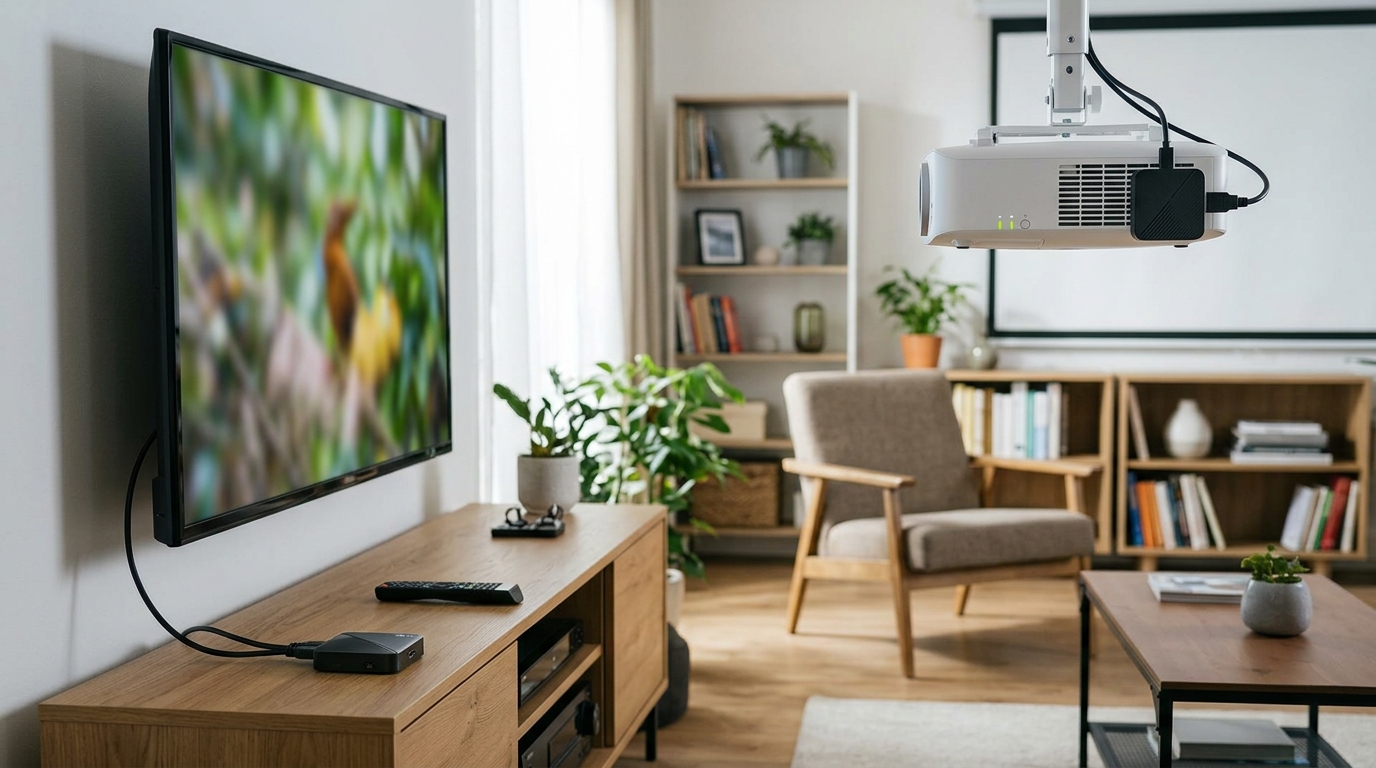
A wireless HDMI kit can carry video from a cable box, satellite receiver, or TV tuner to a projector across the room. Plug the transmitter into the source device’s HDMI output and the receiver into the projector’s HDMI input, then power and pair both units as directed. Check the kit’s supported resolution, transmission range, and power requirements before buying; walls and other obstacles may reduce reliability.
Featured in this guide
4K Smart Mini Projector with 3D, Android OS, WiFi & Built-in Battery
If your projector has built-in streaming apps, you may not need to connect it to your TV setup at all. Connect the projector to Wi-Fi, sign in to your preferred services, and play content directly on the projector. For features to compare, see this guide to a 4K smart mini projector. Confirm that the specific apps you want are supported on your projector before relying on this approach.
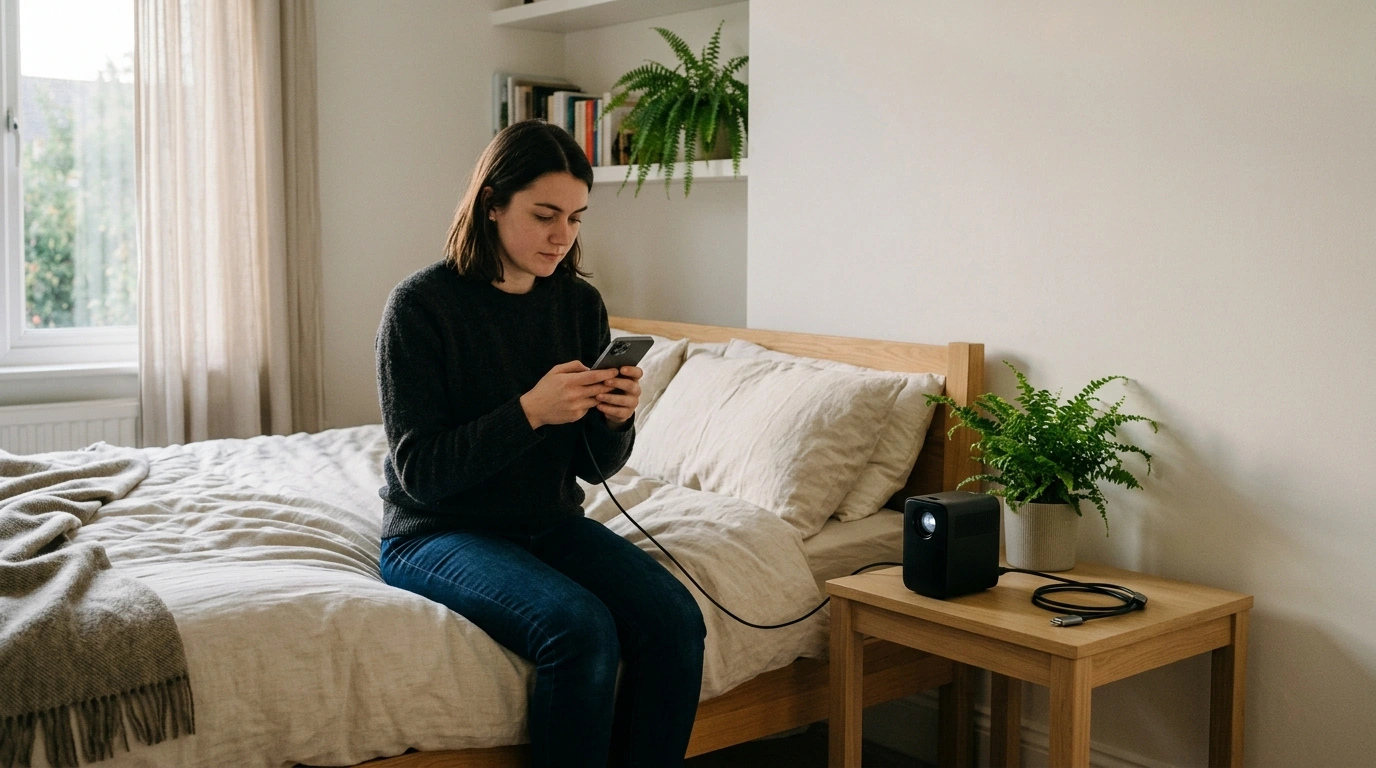
A compatible streaming stick can give a projector access to apps and, in some cases, screen casting. Plug the stick into the projector’s HDMI port, provide its required power, and follow its on-screen Wi-Fi setup. If casting from a phone, check that the phone and projector or streaming device support the same casting method. Some video apps restrict screen mirroring, so opening the app directly on the streaming device may work better.
Test your setup with the content you actually plan to watch. A wireless connection may introduce delay, which can be noticeable during gaming, and your projector’s built-in speaker may not provide the sound you want. Check whether your projector supports Bluetooth audio, an audio output, or another way to connect speakers; Bluetooth audio can also add delay.
Connect the projector wirelessly to your TV’s source device rather than assuming the TV can transmit its picture. A wireless HDMI kit can link a cable box or tuner to a projector with an HDMI input.
Check the projector for USB-C video input, VGA, or built-in wireless casting. Match your source to an input the projector actually supports, using an appropriate adapter if needed.
It is possible if your TV has a suitable video output, but many TVs do not. Connecting the cable box, tuner, or streaming device directly to the projector is usually simpler.



Leave a comment
You must be logged in to post a comment.