Projector vs. TV: Which Is Easier on Your Eyes?
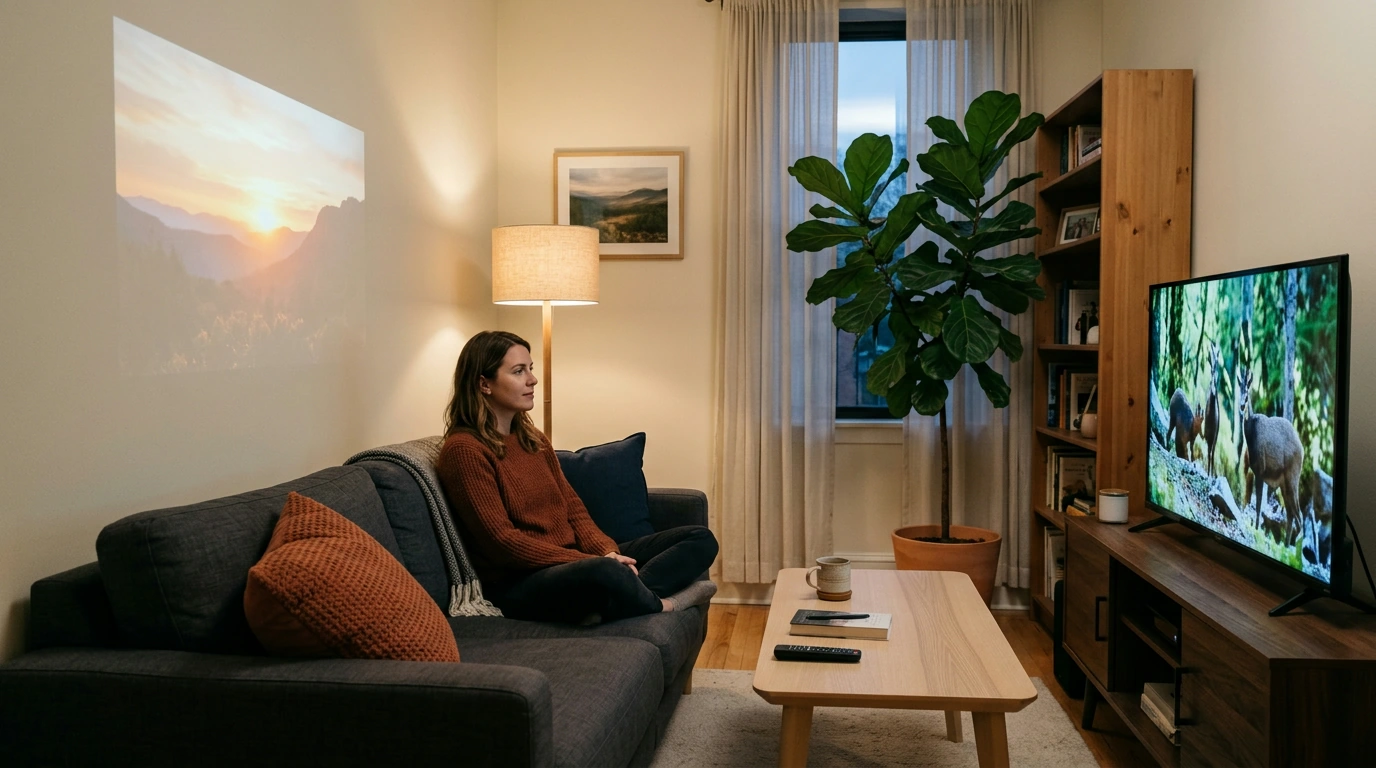
Neither is automatically better for your eyes: a comfortable picture depends more on brightness, room lighting, viewing distance, and how long you watch. A projector can feel gentler if you prefer a large image reflected from a screen or wall rather than light emitted directly by a TV, but a dim or blurry projection can make you squint, while an overly bright TV in a dark room can feel harsh.
Check the product’s listed specifications when evaluating is a projector or tv easier on your eyes.
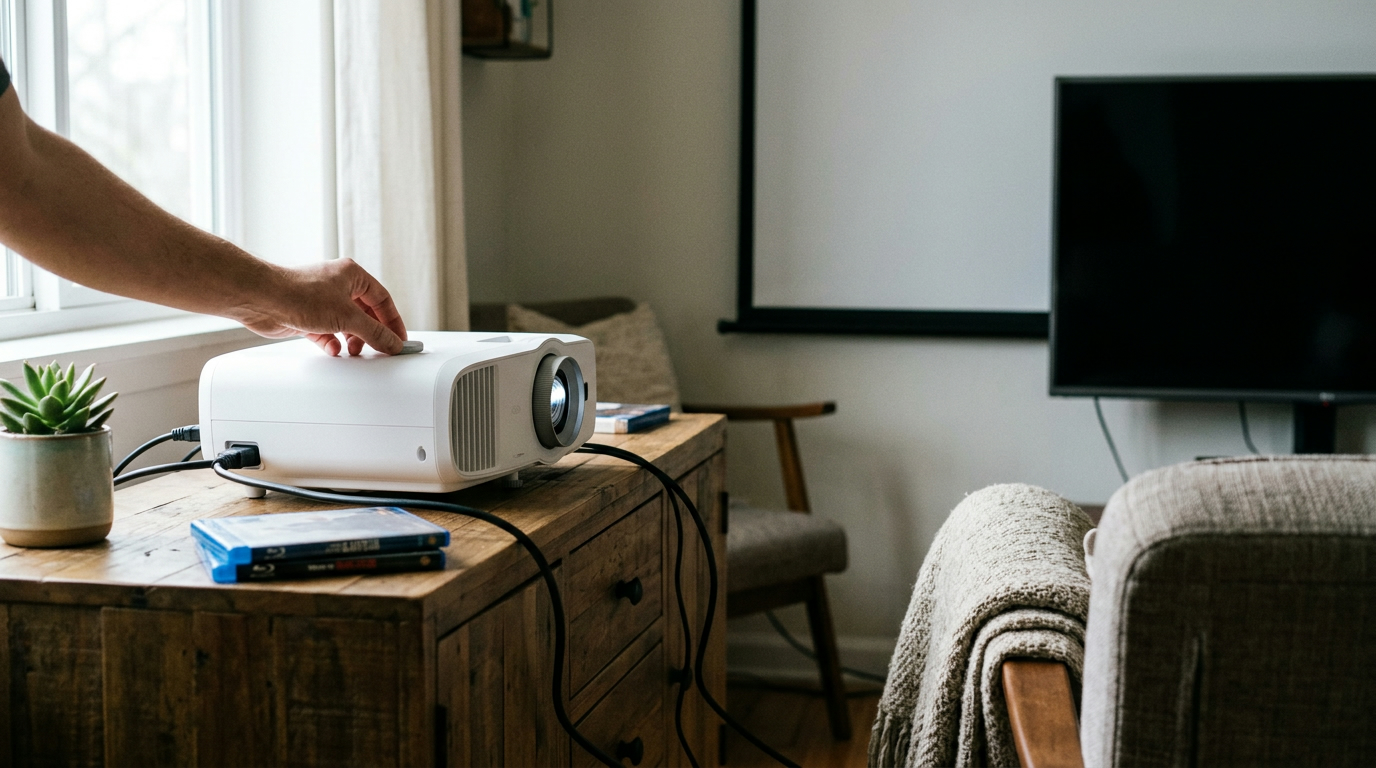
A projector may suit you if you have enough space for a large image and can keep some soft room lighting without washing out the picture. Aim it at a smooth, neutral-colored surface, adjust the focus until text and edges look clear, and position the image so you can watch without tilting your head or sitting uncomfortably close.
If you’re considering our 4K Smart Mini Projector with 3D, Android OS, WiFi & Built-in Battery, make eye comfort part of your setup rather than assuming the projector format alone will prevent strain. Never look into a projector lens while it’s operating, and keep children from doing so, too.
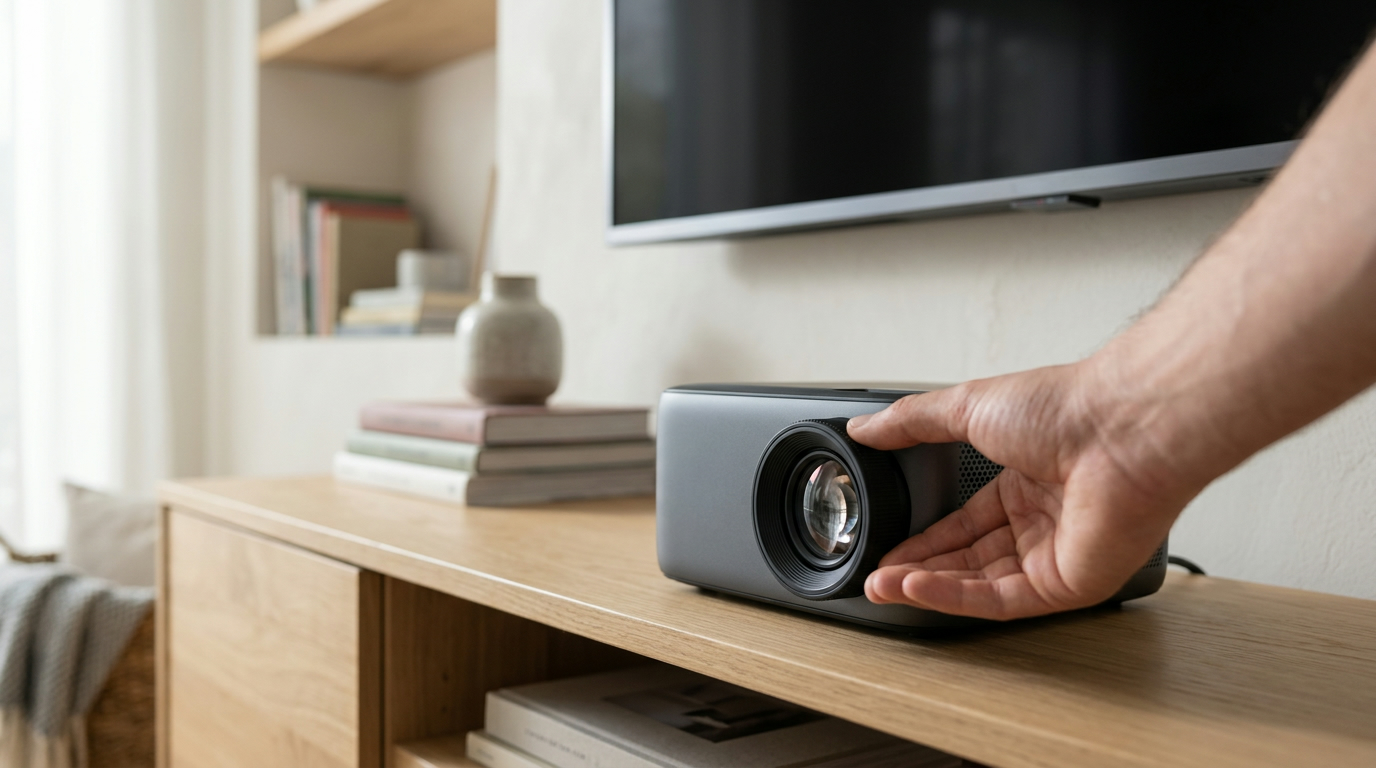
Featured in this guide
4K Smart Mini Projector with 3D, Android OS, WiFi & Built-in Battery
A TV is often easier to use in a bright room, where a projected image may look faint and require more effort to see. It can also be the more practical choice when you need crisp text at a modest screen size or cannot place a projector and seating at comfortable distances.
For either display, set brightness to suit the room instead of leaving it at its highest level, and reduce distracting reflections where you sit. If you notice yourself leaning forward to read or narrowing your eyes, try a larger, clearer image or move to a better viewing position.
Take regular breaks, blink often, and give your eyes a chance to focus on something across the room; the 20-20-20 rule—looking about 20 feet away for 20 seconds every 20 minutes—is an easy reminder. Keep a little ambient light on for movie nights, especially if a bright image against a dark room bothers you.
If 3D content gives you headaches, dizziness, or eye discomfort, stop watching and switch to standard viewing. Persistent discomfort deserves attention regardless of which screen you use, so consider speaking with an eye care professional rather than relying on a different display to solve it.




Leave a comment
You must be logged in to post a comment.