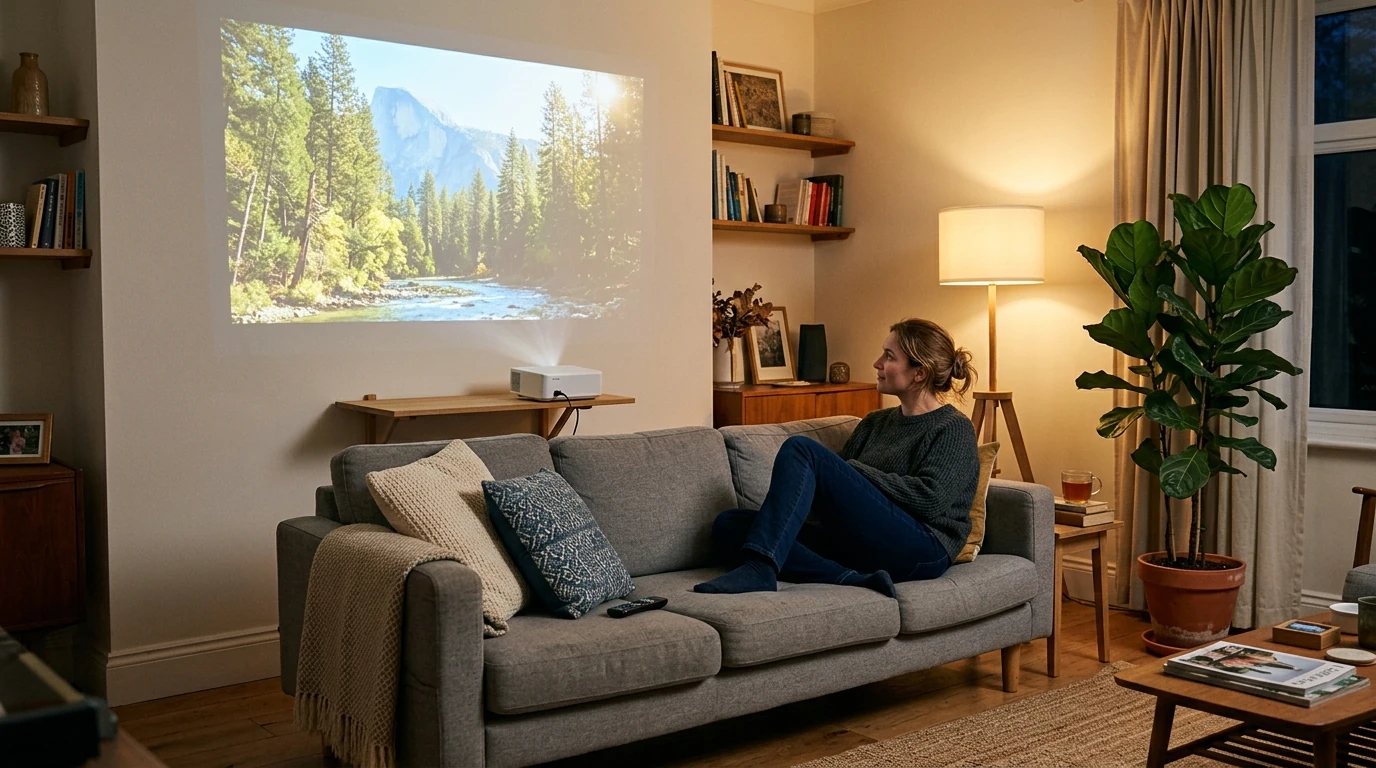
Can a Projector Be Used as a TV? Setup and Trade-Offs
Yes. A projector can display live channels, streaming services, movies, and games, but it needs a source for the picture and a suitable place to project it. Unlike a TV, a basic projector does not necessarily include a tuner, streaming apps, or speakers you will want to use every day. We recommend planning the complete setup before choosing a projector as your primary screen.

For streaming, connect a compatible streaming device by HDMI or use the projector’s built-in apps if it has them. For live television, connect a cable or satellite box, an external TV tuner, or a streaming service that carries the channels you want. Confirm that the projector has an input compatible with your chosen device; Wi-Fi alone does not guarantee access to live TV.

Featured in this guide
4K Smart Mini Projector with 3D, Android OS, WiFi & Built-in Battery
A projector looks best when you can control light, especially for daytime viewing. Curtains or shades can improve contrast, while a smooth, neutral-colored wall or a projection screen gives the image a more consistent surface. Before buying, measure the distance between your intended projector position and the wall, then compare it with the model’s throw-distance requirements for your desired image size.
A projector offers a large image without a permanently visible TV screen, but turning it on, managing room light, and keeping the lens and projection surface clean may require more attention. For a room used frequently in bright daylight, a TV may be simpler. If you want a compact setup, our guide to 4K smart mini projectors can help you compare the features that matter to you.
It can be if you value a large picture and can dim your room. A TV is generally more convenient if you watch throughout the day or want a bright image without adjusting the lighting.
Yes, you can watch regular TV channels through a projector by connecting a cable box, satellite box, external tuner, or compatible live-TV streaming device. The projector displays the signal; the connected device or service supplies the channels.




Leave a comment
You must be logged in to post a comment.