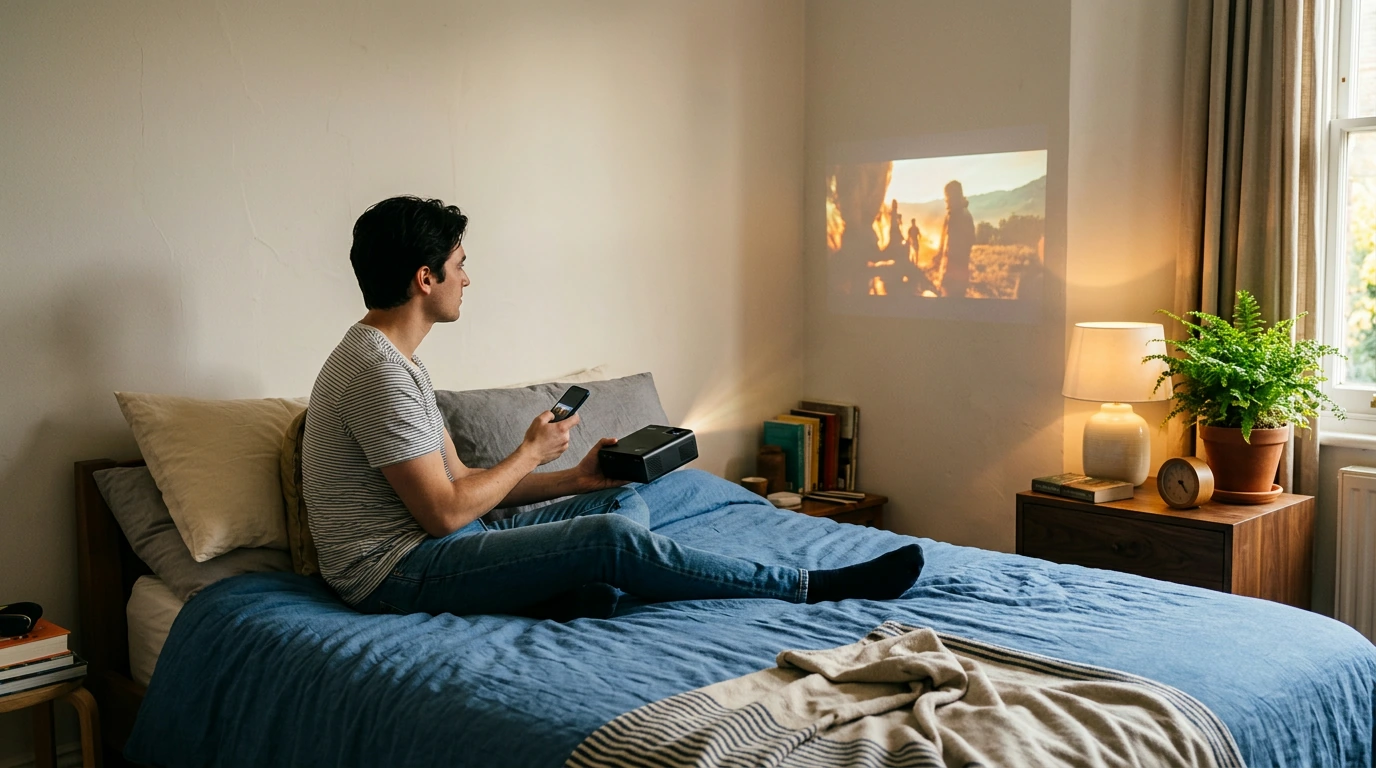
Get Your Phone Playing on a Projector: Cable or Wi-Fi
Start by checking the projector’s inputs and your phone’s connection options. You can usually use a compatible cable or mirror your screen wirelessly; the right choice depends on your devices and whether you want to show photos, an app, or streaming video.

For an iPhone, check whether it has a Lightning or USB-C port, then choose an adapter that provides the HDMI output your projector needs. For an Android phone, confirm that its USB-C port supports video output before buying a USB-C-to-HDMI adapter; not every USB-C phone does. Plug in the adapter and HDMI cable, then select the matching HDMI input on the projector.

Featured in this guide
4K Smart Mini Projector with 3D, Android OS, WiFi & Built-in Battery
If the projector supports AirPlay, Miracast, or another screen-mirroring method, enable that feature in its settings. Connect both devices to the same Wi-Fi network when the projector’s instructions require it, then select the projector from your phone’s screen-mirroring menu. Wireless options vary by model, so check compatibility rather than assuming any phone will pair with any projector.
Display your home screen or a photo first to confirm that the connection works. Some streaming apps restrict screen mirroring or external video output, even when other content displays normally. If an app shows a black screen, check its playback rules and whether the projector has a compatible built-in app or connected streaming device.
For the full product context, see the main Owleys guide.
Connect a compatible video adapter and HDMI cable, or use a wireless mirroring feature supported by both devices. Select the projector’s correct input or mirroring mode to show your phone screen.
Yes, if your phone supports video output and you have an adapter that matches its port and the projector’s input. Many setups use HDMI, but USB-C video support varies among Android phones.
Yes, if your projector supports a wireless method compatible with your phone, such as AirPlay or Miracast. Check the projector’s specifications and setup instructions before pairing.



Leave a comment
You must be logged in to post a comment.